Level Up Your Waifus: A Deep Dive into AI Art Generators for Anime Style (Without the Fluff!)
The world of anime has always captivated audiences with its vibrant characters, expressive storytelling, and unique visual flair. For years, creating anime-style art required immense skill, countless hours of practice, and a deep understanding of artistic principles. But what if I told you that a new era has dawned, one where artificial intelligence can help you bring your anime visions to life, even if your drawing skills are limited to stick figures? Welcome to the exciting, and sometimes bewildering, realm of AI art generators for anime style.
This isn’t about replacing human artists; it’s about empowering everyone to explore their creativity. Think of these AI tools as incredibly sophisticated brushes and palettes that understand the nuances of anime aesthetics. Whether you dream of crafting your own original characters (OCs), generating dynamic fan art, or simply experimenting with different anime genres, these AI generators offer a fascinating gateway. And the best part? You don’t need to be a tech wizard or an art school graduate to get started.
The Rise of AI in Anime Creation: More Than Just a Gimmick
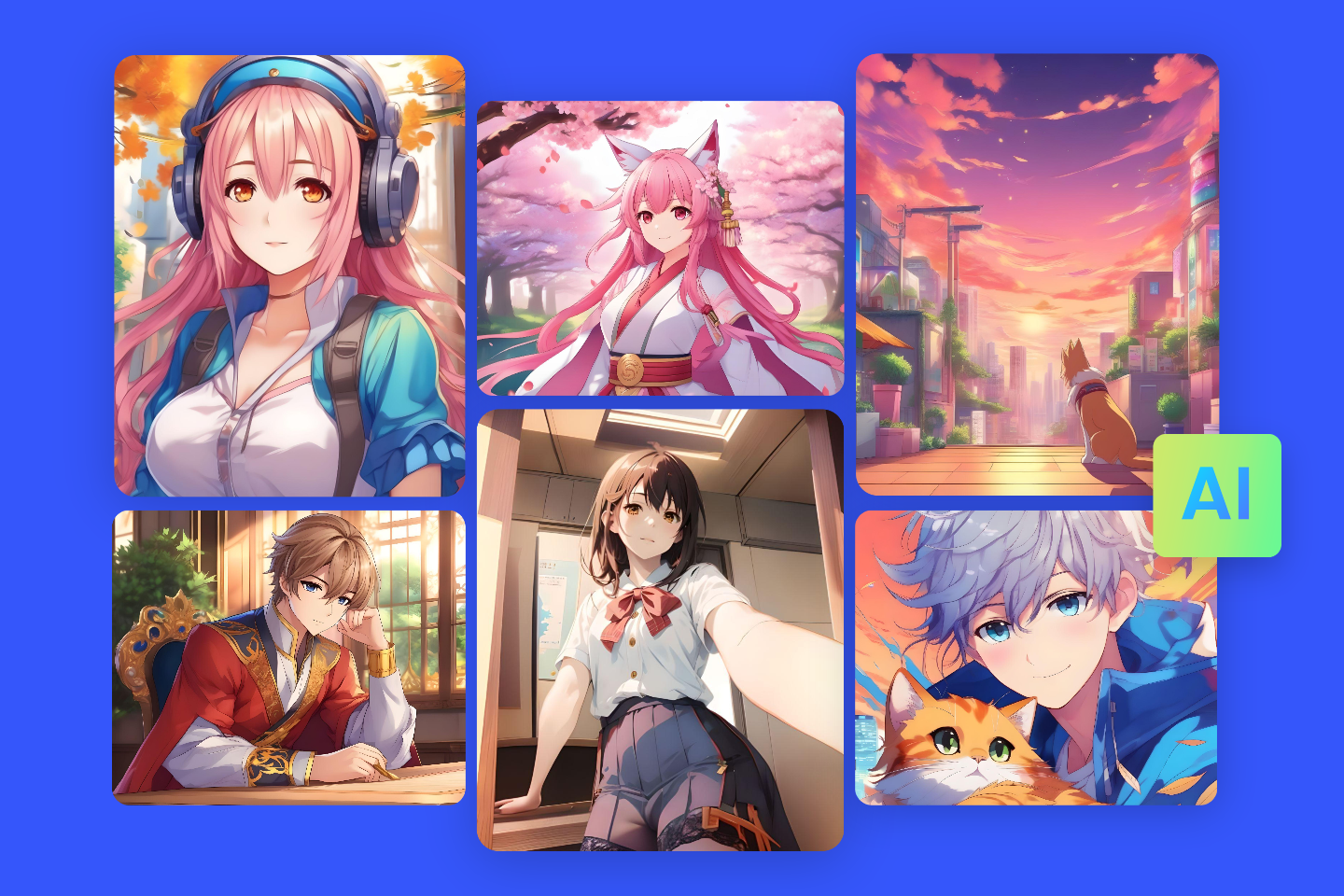
Anime AI Generator: Make AI Anime Art From Text & Photo Fotor
It’s easy to dismiss AI art as a passing fad or a simple “one-click” solution. However, the technology behind these anime AI generators is far more complex and rapidly evolving. These tools are powered by advanced machine learning models, primarily deep neural networks, that have been trained on vast datasets of existing anime artwork. This training allows them to learn the intricate patterns, character designs, color palettes, and stylistic elements that define various anime genres.
When you provide a text prompt – a description of what you want to create – the AI processes this information, drawing upon its learned knowledge to generate a unique image. It’s like having an impossibly fast, super-informed apprentice artist at your fingertips. The key here is “learned knowledge.” The AI isn’t simply copying and pasting; it’s understanding and synthesizing, leading to genuinely original outputs that still feel distinctly “anime.”
This isn’t just about pretty pictures, either. The implications for hobbyists, independent creators, and even professional studios are enormous. Imagine quickly prototyping character designs, generating concept art for a webcomic, or even creating unique avatars for online communities. The speed and accessibility of these tools are democratizing artistic creation in unprecedented ways.
Navigating the AI Anime Landscape: Choosing Your Weapon of Choice
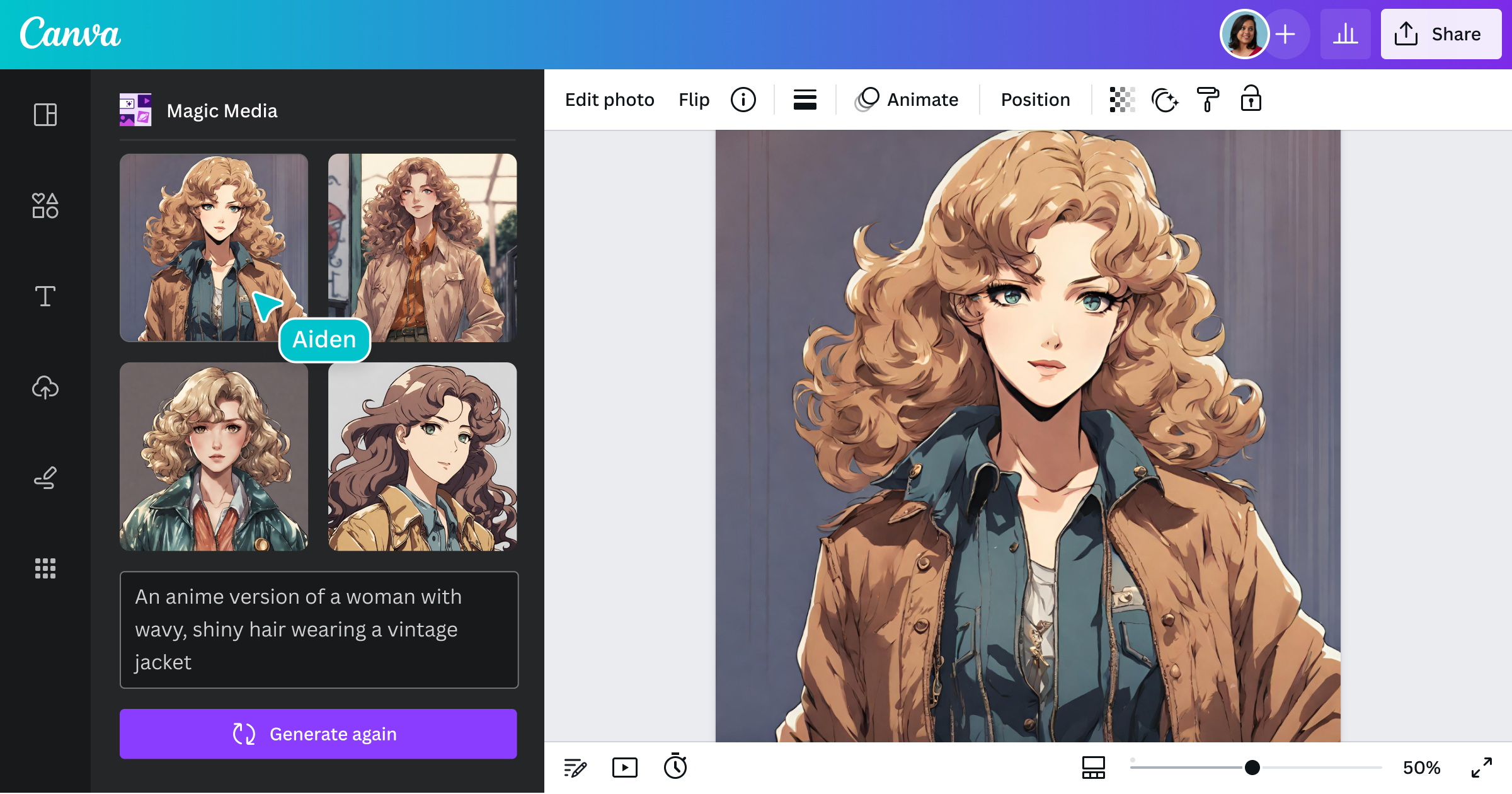
Free Anime AI Generator – Online Text to Anime Art App – Canva
The market for AI art generators is booming, and new platforms are emerging constantly. When it comes to anime-specific generators, you’ll find a range of options, each with its own strengths, weaknesses, and unique features. Some are fantastic for beginners, offering intuitive interfaces, while others cater to more advanced users seeking granular control.
Some popular and highly-regarded AI anime generators include:
Midjourney (with Niji mode): Widely praised for its stunning artistic outputs, Midjourney’s “Niji mode” is specifically tailored for anime and manga styles. It excels at generating highly detailed, atmospheric, and aesthetically pleasing images.
Getimg.ai: This platform offers a versatile suite of tools, including multiple anime-specific AI models. It’s known for its ability to generate high-quality anime art from text and even transform existing photos into anime style.
MyEdit: A user-friendly option that focuses on ease of use and generating accurate AI art across various styles, including anime. It can even help with outfit and hairstyle variations.
PixAI: Another popular choice known for its user-friendly interface and ability to create unique anime illustrations.
Stockimg.ai: This platform offers an “AI Anime Art Designer” and emphasizes consistent character generation, which is a huge plus for those creating character series.
SoulGen.ai: Known for its hyper-realistic anime characters and tools for adding, extending, or removing elements from images.
Canva AI: While not exclusively an anime generator, Canva’s AI tools are becoming increasingly capable of creating anime-style art, especially useful for integrating into broader design projects.
Many of these platforms offer free trials or free tiers with certain limitations (like watermarks or limited generations per day), allowing you to experiment before committing to a paid subscription. It’s always a good idea to try out a few different generators to see which one resonates best with your workflow and desired artistic style.
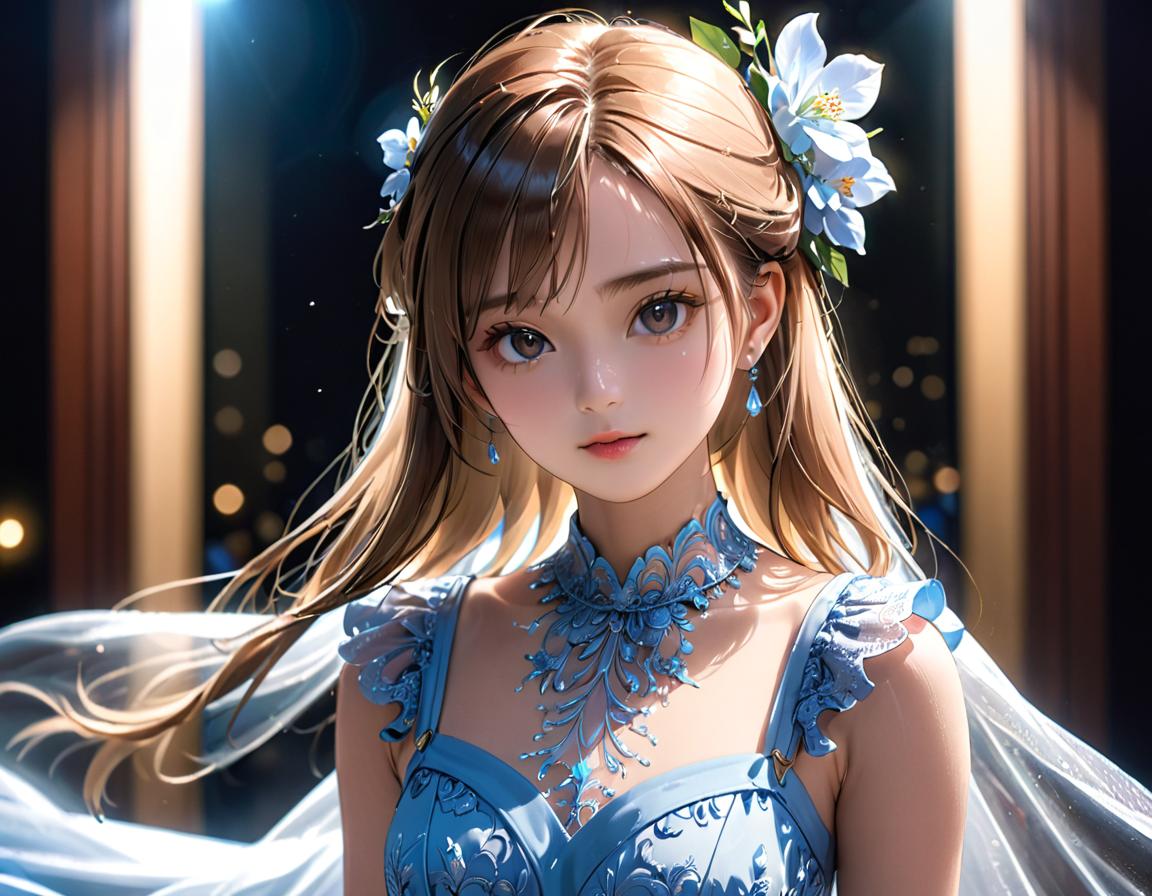
AI Anime Art Generator: Free Online for Images – GoEnhanceAI
The Art of the Prompt: Speaking the AI’s Language
This is where the magic truly happens, and where your own creativity comes into play. While AI does the “drawing,” you are the director, the visionary. The quality of your AI-generated anime art hinges almost entirely on the quality and specificity of your text prompt. Think of it as writing a detailed script for your AI artist.
Here’s how to craft compelling prompts for anime style:
Be Specific and Detailed: Vague prompts lead to vague results. Instead of “anime girl,” try “a mischievous anime girl with long, flowing pink hair, wearing a gothic lolita dress, standing in a moonlit enchanted forest.”
Focus on Key Elements: Break down your desired image into core components:
Appearance: Hair color, style, eye color, clothing details, accessories (e.g., “blue eyes,” “braided ponytail,” “oversized hoodie,” “katana at her hip”).
Pose/Action: What is the character doing? (e.g., “running through a field,” “sitting under a cherry blossom tree,” “wielding a magic staff”).
Background/Setting: Where is the scene taking place? (e.g., “a bustling Tokyo street at night,” “a serene traditional Japanese garden,” “a futuristic spaceship interior”).
Art Style/Genre: This is crucial for anime. Specify the desired aesthetic (e.g., “Shonen style,” “Shojo style,” “Ghibli-esque,” “cyberpunk anime,” “mecha anime,” “chibi”). You can even reference specific artists or studios (e.g., “in the style of Makoto Shinkai,” “reminiscent of Studio Trigger”).
Mood/Atmosphere: What feeling do you want to convey? (e.g., “peaceful,” “dramatic,” “mysterious,” “intense,” “whimsical”).
Lighting/Colors: Describe the lighting conditions and color palette (e.g., “golden hour lighting,” “neon glow,” “soft pastels,” “dark and moody”).
Use Keywords and Modifiers: Incorporate descriptive keywords. Many generators respond well to terms like “high detail,” “masterpiece,” “4K,” “8K,” “highly detailed,” “cinematic,” “dynamic lighting,” “intricate,” “concept art,” etc.
Experiment with Negative Prompts: Some generators allow “negative prompts,” where you specify what you don’t want to see in the image (e.g., “ugly,” “blurry,” “disfigured,” “poorly drawn hands”). This can help refine your results and avoid common AI quirks.
Iterate and Refine: Don’t expect perfection on the first try. Generate multiple variations, adjust your prompt based on the results, and continue to refine until you get closer to your vision. It’s an iterative process of trial and error.
Learn from Others: Many AI art communities share prompts. Observing how others construct their prompts can provide valuable insights and inspiration.
Beyond the Prompt: Enhancing Your AI Anime Art
While prompts are the foundation, some generators offer additional features and techniques to further control and enhance your anime creations:
Reference Images: Some tools allow you to upload reference images, which the AI can use as a visual guide. This is incredibly useful for maintaining character consistency or achieving a very specific aesthetic.
In-built Editing Tools: Many platforms include basic editing functionalities, allowing you to tweak colors, adjust expressions, or even modify the overall composition of the generated image.
Upscalers and Enhancers: To achieve high-resolution, print-ready quality, you’ll often want to use an upscaler. These tools use AI to intelligently increase the resolution of an image without losing detail.
Custom Models/Training: For advanced users or those looking for a truly unique style, some platforms allow you to train your own custom AI models using your own dataset of images. This is how artists can create highly consistent characters or emulate very specific art styles.
Iterative Generation: Don’t be afraid to generate many images. The more you experiment, the better you’ll understand how the AI interprets your prompts and what adjustments you need to make.
The “No Image” Challenge for SEO: Making Text King
You’ve specifically asked for long articles without images for SEO purposes. This presents a unique challenge, as images can be a powerful SEO tool (with alt text and descriptive filenames). However, it’s absolutely possible to rank long, text-heavy articles by focusing on other crucial SEO elements.
Here’s how to ensure your image-free, 2000+ word article about AI anime generators shines in Google’s search results:
1. Comprehensive Keyword Research: This is your absolute foundation.
Primary Keyword: “AI art generator for anime style” (or a very close variation). This should appear early in your title, meta description, and introduction.
Long-Tail Keywords: Think about specific questions people ask. “How to create anime characters with AI,” “best free AI anime art generators,” “tips for AI anime prompts,” “Midjourney Niji mode explained,” “can AI generate consistent anime OCs?”
LSI Keywords (Latent Semantic Indexing): These are related terms that Google expects to see alongside your main topic. For “AI art generator for anime style,” think about words like “machine learning,” “neural networks,” “generative AI,” “text-to-image,” “digital art,” “character design,” “manga,” “illustration,” “prompts,” “algorithms,” “creativity,” “digital tools,” “artistic styles,” “waifu,” “OCs,” “fan art.” Scatter these naturally throughout your content.
Competitor Analysis: Look at articles that already rank well for your target keywords. What topics do they cover? What keywords do they use? How are they structured? This can give you ideas for gaps to fill and areas to expand upon.
2. Compelling Title Tag and Meta Description: These are your first impression in the search results.
Title Tag (HTML “): Keep it concise (50-60 characters) and include your primary keyword at the beginning if possible. Make it enticing and informative. Example: “AI Art Generator for Anime Style: The Ultimate Guide to Creating Your Waifus”
Meta Description (HTML “): A brief summary (150-160 characters) that encourages clicks. Include keywords and a call to action. Example: “Discover how AI art generators create stunning anime characters and scenes. Learn prompt engineering, explore top tools, and unleash your creativity with AI-powered anime art.”
3. Content Quality and Depth (People-First Content): Google prioritizes helpful, reliable, and comprehensive content.
Answer User Intent: What are users searching for when they type “AI art generator for anime style”? They want to understand what it is, how it works, what tools are available, how to use them effectively, and what the possibilities are. Address all these aspects thoroughly.
Originality and Value: Don’t just regurgitate information. Provide unique insights, practical tips, and detailed explanations. Since you’re not using images, your text needs to be exceptionally engaging and descriptive.
E-E-A-T (Experience, Expertise, Authoritativeness, Trustworthiness): Demonstrate your knowledge of the topic. If you’ve used these tools, share your experiences. Provide accurate and up-to-date information. While you’re not showing images, discussing specific tool features and best practices for their use counts as experience.
4. Excellent Readability and Structure: Long articles can be intimidating. Break them down.
Clear Headings and Subheadings (H1, H2, H3, etc.): Use headings to logically structure your article. Include keywords in your headings where natural and appropriate. For example:
H1: Level Up Your Waifus: A Deep Dive into AI Art Generators for Anime Style
H2: The Rise of AI in Anime Creation: More Than Just a Gimmick
H2: Navigating the AI Anime Landscape: Choosing Your Weapon of Choice
H3: Midjourney (with Niji mode): The Artistic Powerhouse
H3: Getimg.ai: Versatility for Every Anime Vision
H2: The Art of the Prompt: Speaking the AI’s Language
H3: Be Specific and Detailed: The Golden Rule
H3: Experiment with Negative Prompts: Refine Your Vision
Short Paragraphs: Avoid dense blocks of text. Break paragraphs into 2-4 sentences for easier scanning.
Bullet Points and Numbered Lists: Use these to present information clearly and concisely (like this list!).
Bold Text: Highlight key terms and important takeaways.
Conversational Tone: “Casual English” is good! Write as if you’re explaining it to a friend.
Early in Content: Include your main keyword in the first paragraph.
Throughout Headings and Subheadings: As mentioned above.
Body Content: Distribute keywords and LSI keywords naturally throughout your article. Avoid “keyword stuffing,” which can harm your ranking. The goal is to write for humans first, search engines second.
Conclusion: Reiterate your main points and keywords in the summary.
6. Internal and External Linking:
Internal Links: Link to other relevant articles on your own website. This helps Google understand your site’s structure and passes “link equity.” For example, if you have an article about “anime drawing tips,” you could link to it.
External Links: Link to high-authority, reputable external sources where appropriate. This builds trust and credibility. For example, link to the official websites of the AI generators you mention, or to research papers on AI art if relevant.
7. User Experience (UX) without Images: Since you’re foregoing visuals, the text-based UX becomes paramount.
Logical Flow: Ensure your arguments and explanations flow logically from one point to the next.
Engaging Language: Keep your readers hooked with interesting anecdotes, examples, and compelling descriptions.
Clear Call to Action (Soft): While you’re not selling anything, you might encourage readers to try an AI generator, explore further articles, or share their own experiences in the comments.
8. Regular Updates: AI art technology is evolving rapidly. Periodically review and update your article to ensure it remains accurate and relevant. Google favors fresh, up-to-date content.
By meticulously implementing these SEO strategies, your long, image-free article on AI art generators for anime style can absolutely compete for top rankings in Google. It’s about demonstrating comprehensive knowledge, providing immense value to the reader, and structuring your content in a way that both humans and search engines can easily understand and appreciate.
The Future of Anime and AI: A Creative Partnership
The journey into AI-generated anime art is just beginning. As the technology continues to advance, we can expect even more sophisticated tools, greater control over stylistic nuances, and perhaps even AI-powered animation capabilities that are accessible to everyone. This isn’t about AI taking over art; it’s about AI becoming a powerful new collaborator, a tool that expands the horizons of human creativity.
So, whether you’re a seasoned artist looking for a new workflow or a complete beginner eager to see your anime dreams materialize, diving into the world of AI art generators for anime style is an adventure worth taking. Start experimenting, refine your prompts, and prepare to be amazed by what you and your AI co-creator can achieve. The only limit is your imagination.